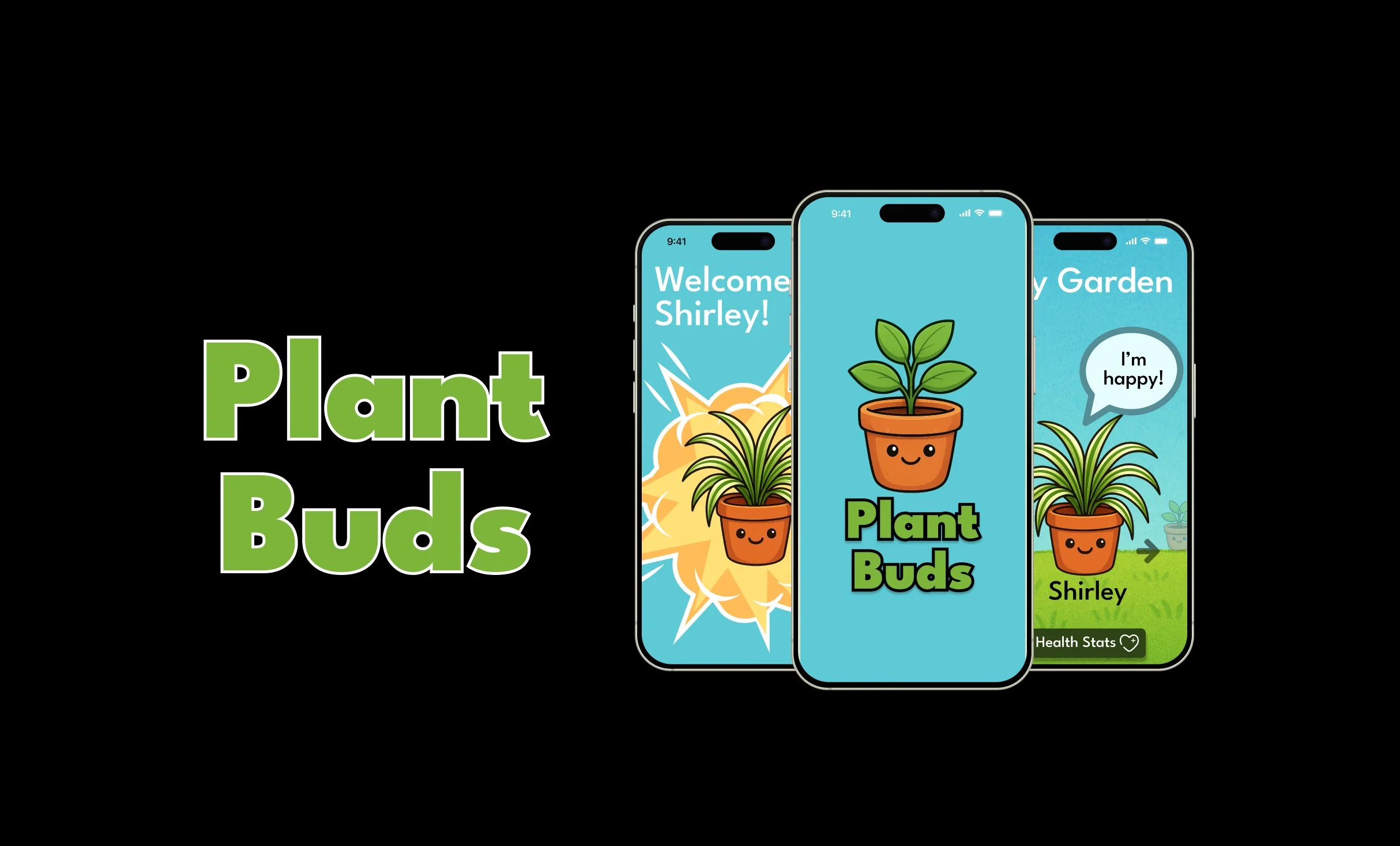
Plant Buds is a mobile app that turns your houseplants into expressive characters, using real health data to show you how your plant is feeling and what it needs to thrive.
Project Overview
Most plant owners want to care for their plants but struggle to stay consistent because traditional plant care apps are dry, forgettable, and offer no emotional connection to keep users motivated.
Problem
Solution
An app that turns plant health data into a living, talking character that makes caring for your plant feel personal, rewarding, and hard to ignore.
UX research and mobile app development
Scope
Timeline
October 2025 - December 2025
Tools
Figma, Affinity, Squarespace
Design Thinking Process
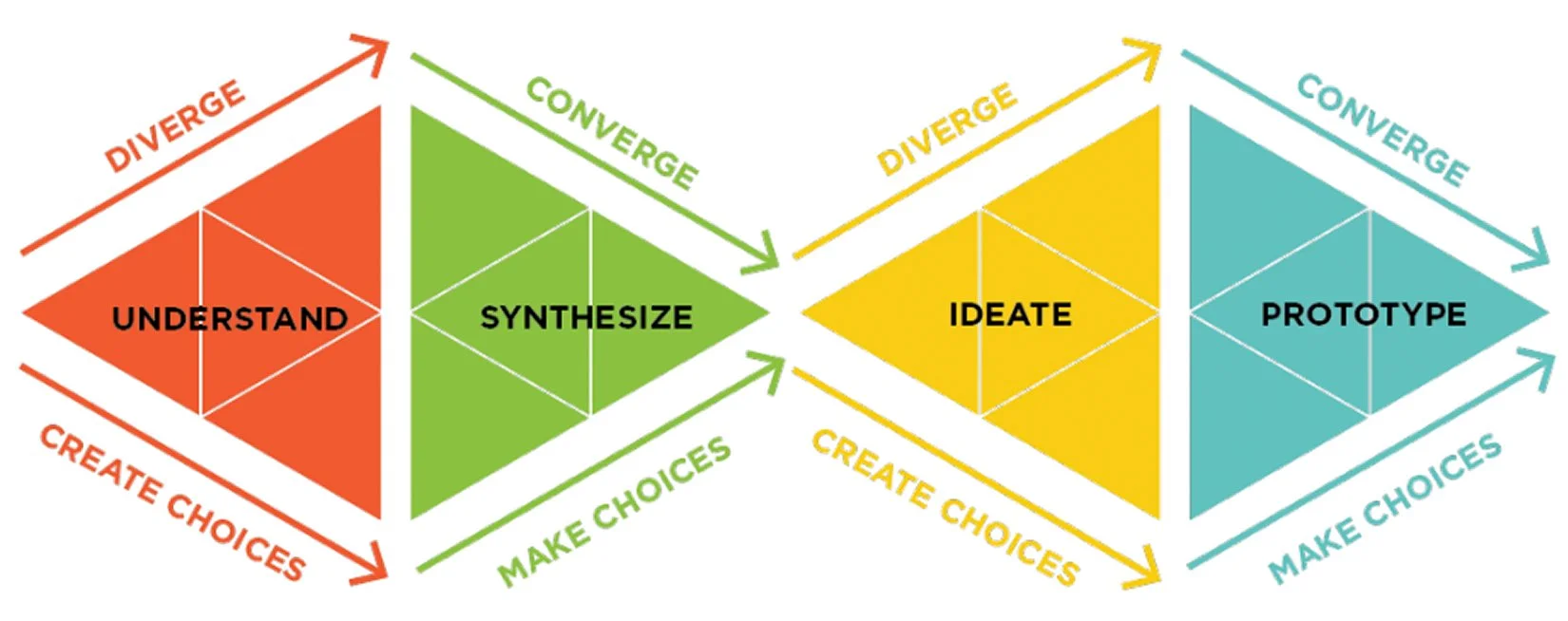
The above diagram shows the design thinking process I followed throughout this case study.
Understand
In the Understand phase, I set out to learn how people currently care for their plants, where they struggle, and what would make the experience better. My goal was to uncover real behaviors and frustrations before jumping to solutions.
Driving Questions
What do most people have trouble with when taking care of plants?
What are the main reasons someone wants plants in their home?
What information would help someone better care for their plants?
Research Participants
4 mainstream participants
individuals with basic plant knowledge
3 extreme participants
individuals with intermediate to advanced plant knowledge
1 analogous participant
an individual with experience caring for a pet
Research Approach
First, an in-depth interview to understand the participant's experience, knowledge, pain points, and goals around plant care.
Each session had 2 parts:
Second, a plant care activity where participants were shown images of plants in various health states and asked how they would respond, revealing what information and tools they would need to help.
Key insight from research
Users don't struggle with plant care because they don't care about their plants. They struggle because they lack clear feedback, confidence, and motivation to stay consistent. This became the foundation for everything that followed.
Synthesize
In the Synthesize phase, I analyzed the interview findings to uncover patterns in user behavior, frustrations, and motivations. The goal was to turn raw research into clear direction.
I reviewed all interview notes and grouped similar insights together to identify themes. The clusters revealed three consistent patterns across participants.
Pattern Finding
Users frequently forgot to water or care for their plants on the right schedule
Users struggled to know whether their plant was healthy or what warning signs meant
Users felt uncertain and unconfident when something went wrong, often turning to Google with little success
“How might we” Statements
From these patterns, I developed a series of "How Might We" statements to frame the problem as a design opportunity:
How might we make watering plants the proper amount and frequency easier?
How might we provide users with detailed, step-by-step care information for specific plants?
How might we help users follow a set schedule with reminders?
How might we create a tool that is different and more engaging than what already exists?
How might we make caring for multiple plants at once easier and more organized?
Core takeaway from synthesis
The patterns were clear: users needed more than information. They needed a system that could give them real-time feedback, reduce uncertainty, and make the habit of plant care feel rewarding enough to maintain. This insight pointed directly toward a solution built around engagement and emotional connection, not just utility.
Ideate
In the Ideate phase, I pushed myself to explore as many possibilities as possible before narrowing down. Rather than jumping to the first good idea, I used structured exercises to stretch my thinking and uncover unexpected directions.
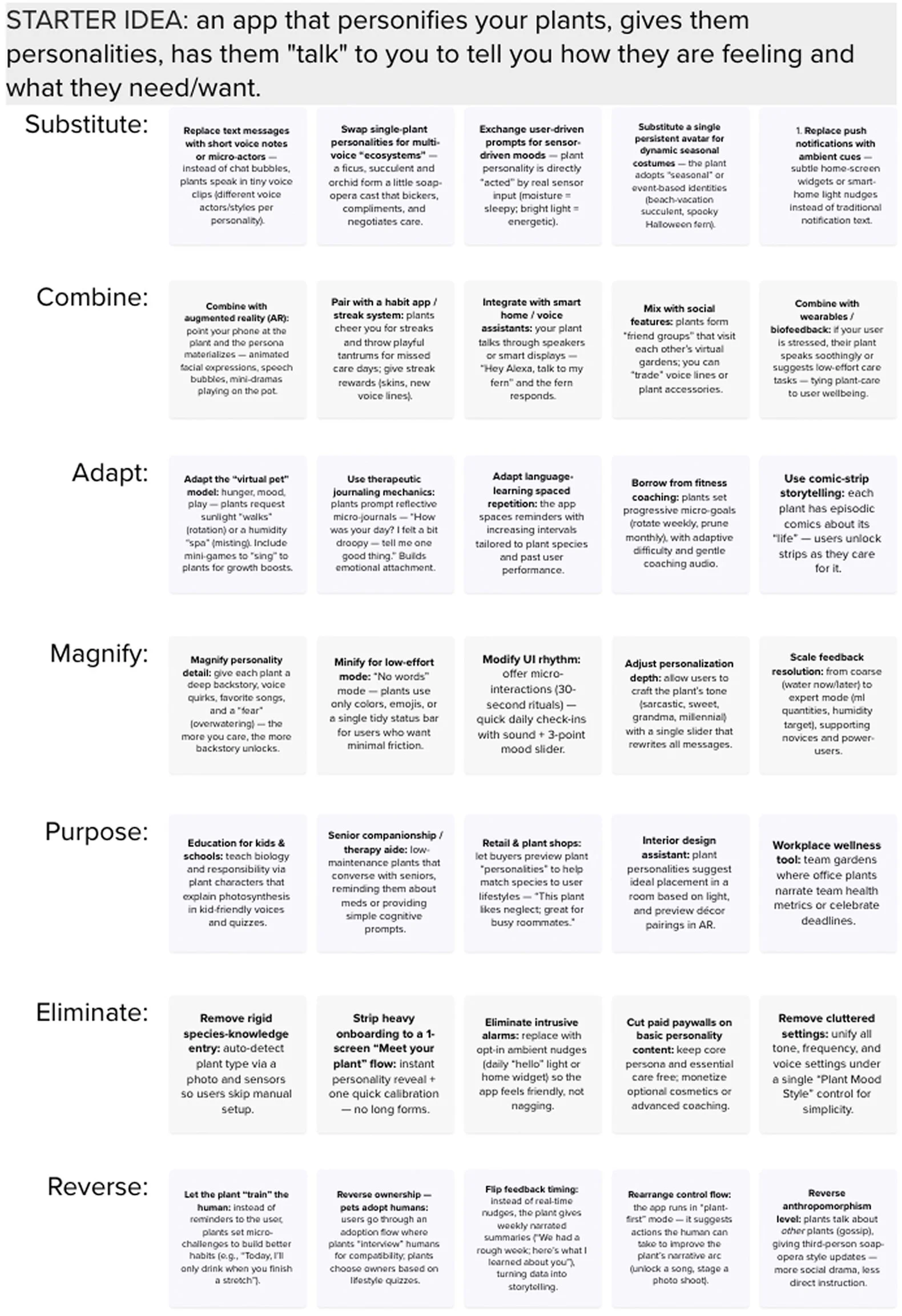
Starting with the core idea of an app that personifies plants, I ran it through each SCAMPER prompt to rapidly generate variations. Substituting, combining, adapting, and reversing parts of the concept opened up directions I would not have reached through straightforward brainstorming alone, including ideas around AR integration, social features, and sensor-connected feedback.
Notable ideas generated:
“Pair with habit app/streak system: plants cheer you on for streaks and throw tantrums for missed care days.”
“Combine with augmented reality (AR): point your phone at the plant and the persona materializes. Animated facial expressions, speech bubbles, mini dramas playing on the pot.”
“Magnify personality detail: give each plant a deep backstory, voice quirks, favorite songs, and a ‘fear’ (overwatering). The more you care, the more backstory unlocks.”
SCAMPER PLOT
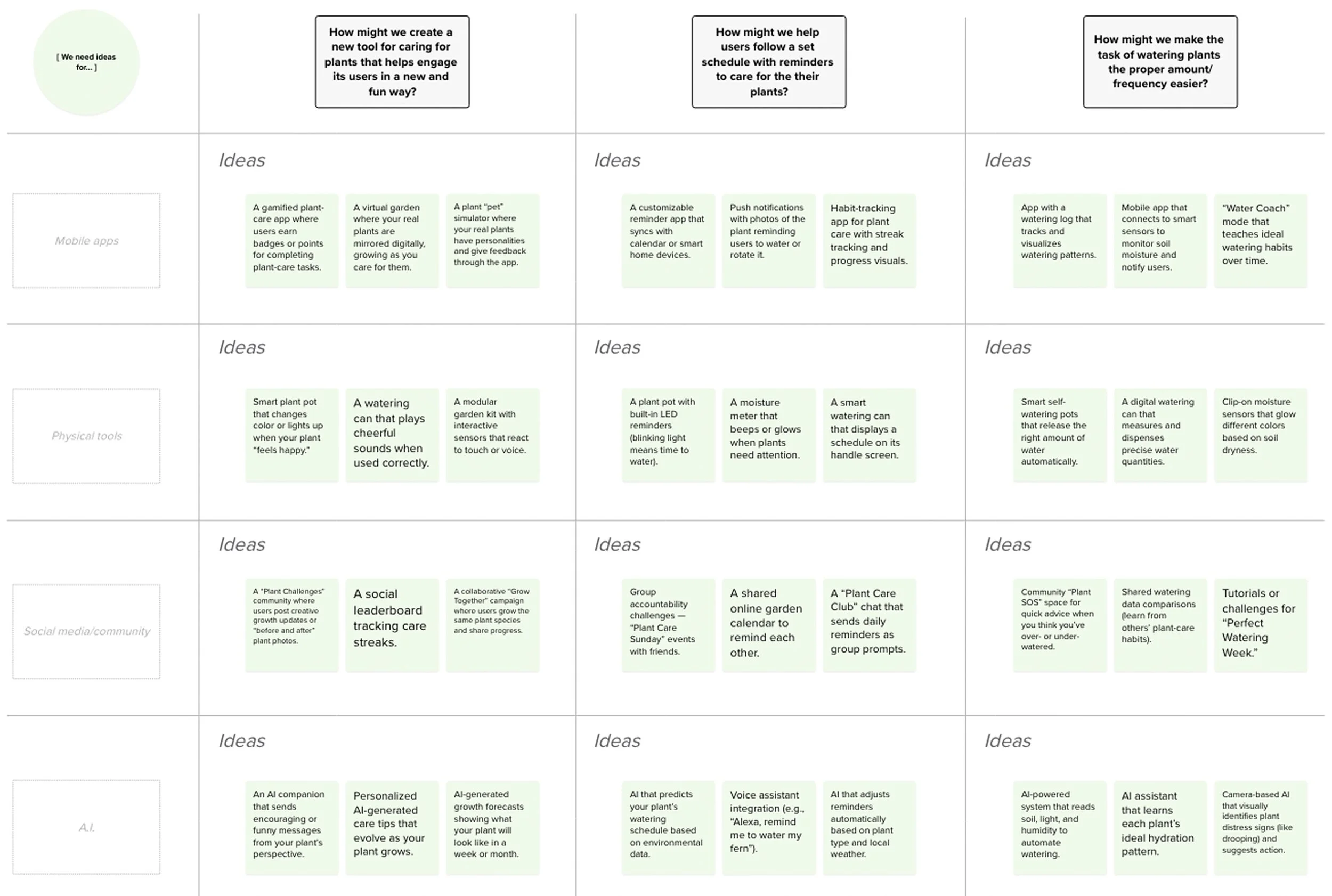
I used a creative matrix to generate ideas by combining different categories and looking for concepts that emerged at their intersections. This helped me move beyond obvious solutions and think about plant care from multiple angles at once, producing a range of ideas from practical tools to more playful, emotionally driven experiences.
Notable ideas generated:
“A gamified plant-care app where users earn badges or points for completing plant-care tasks.”
“A virtual garden where your real plants are mirrored digitally, growing as you care for them.”
“Smart plant pot that changes when your plant ‘feels happy’.”
“An AI companion that sends encouraging/funny messages from your plant’s perspective.”
Creative Matrix
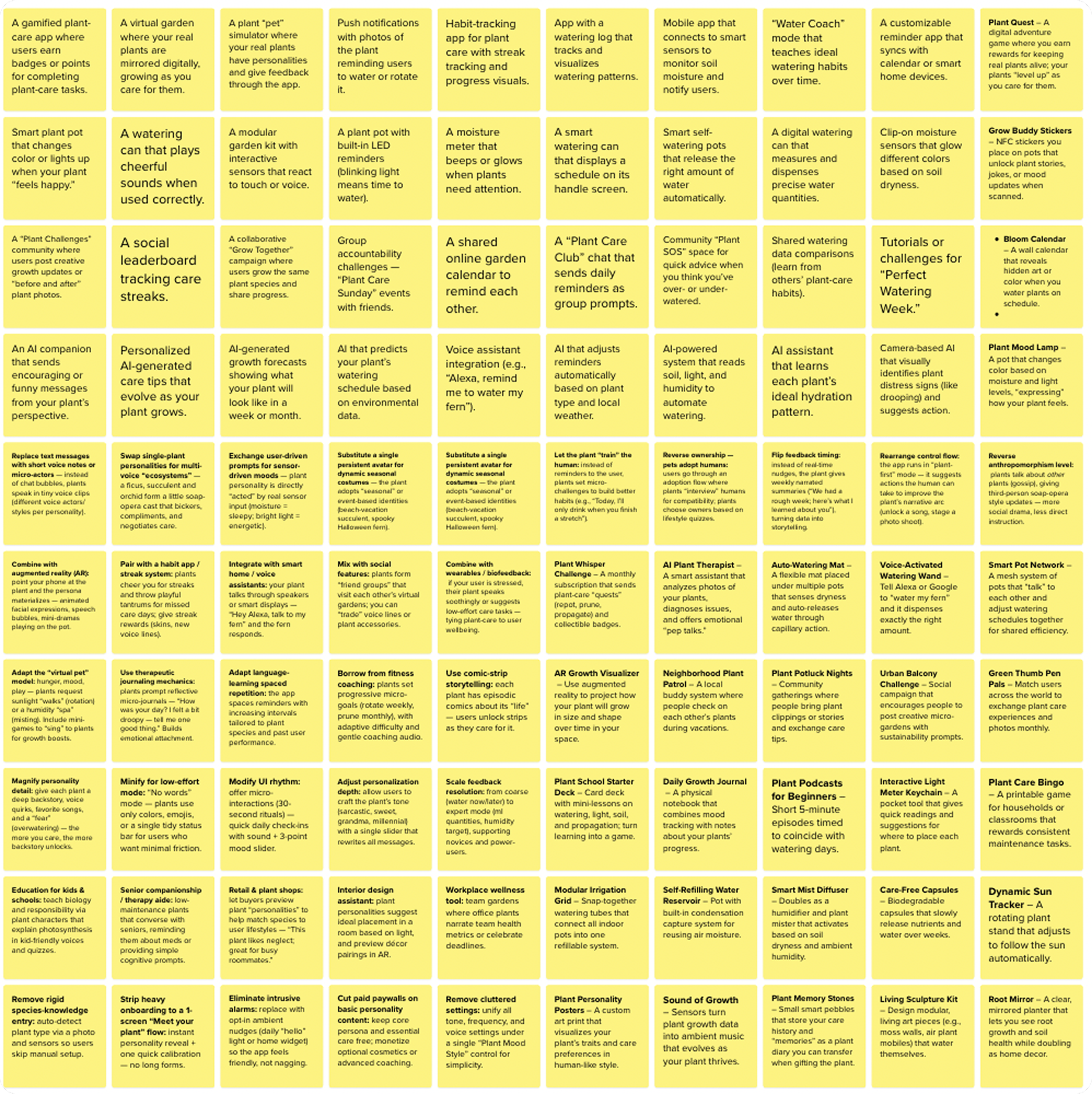
Combining insights from the creative matrix and SCAMPER, I pushed to generate 100 distinct prototype ideas. The goal was quantity over quality at this stage, giving myself permission to explore without filtering. From that pool, a handful of ideas kept rising to the top centered around emotional connection, personification, and real-time plant feedback.
Notable ideas generated:
“Integrate with smart home / voice assistants: your plant talks through speakers or smart displays. ‘Hey Alexa, talk to m fern’ and the fern responds”
Adjust personalization depth: allow users to craft the plant’s tone (sarcastic, sweet, grandma, millennial) with a slider that rewrites all messages.”
“Use comic-strip storytelling: each plant has episodic comics about its ‘life’. Users unlock strips as they care for it.”
100 Rapid Ideas
Most promising directions
Three concepts emerged as strong enough to develop further:
A plant personification app that gives each plant an expressive character tied to its real health data
A smart plant pot with built-in sensors that communicates directly with the user
A visual care calendar that helps users build and track a consistent plant care routine
In the Prototype phase, I narrowed the field from 100 ideas down to three defined concepts, evaluated them against the core insight from my research, and selected one to develop into a full prototype.
Prototype
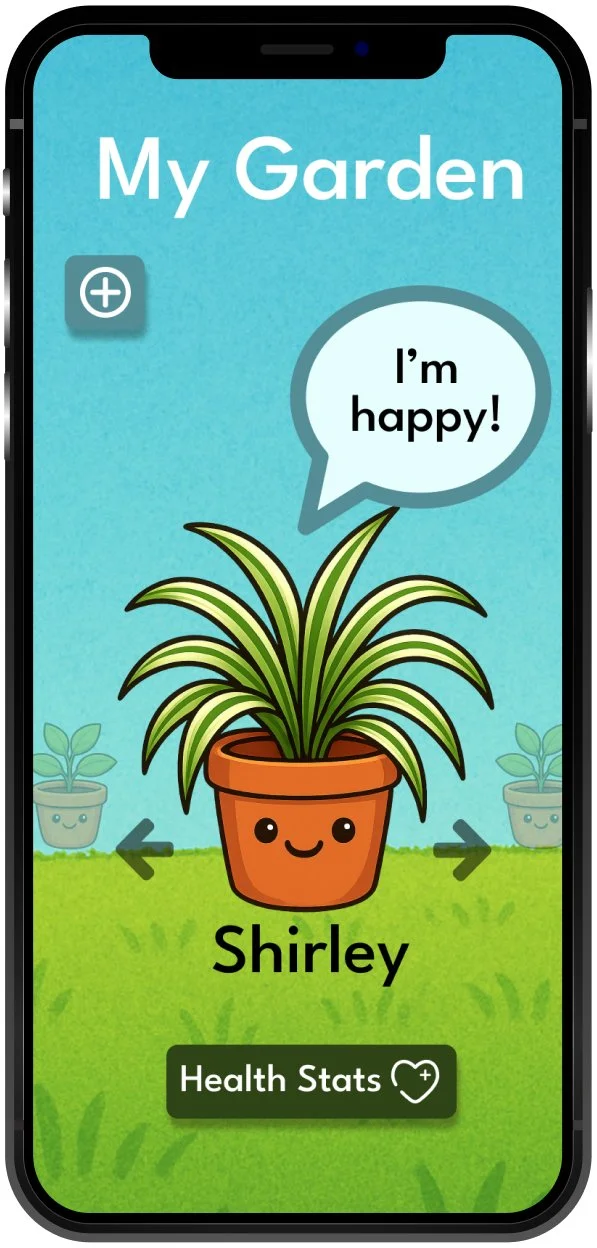
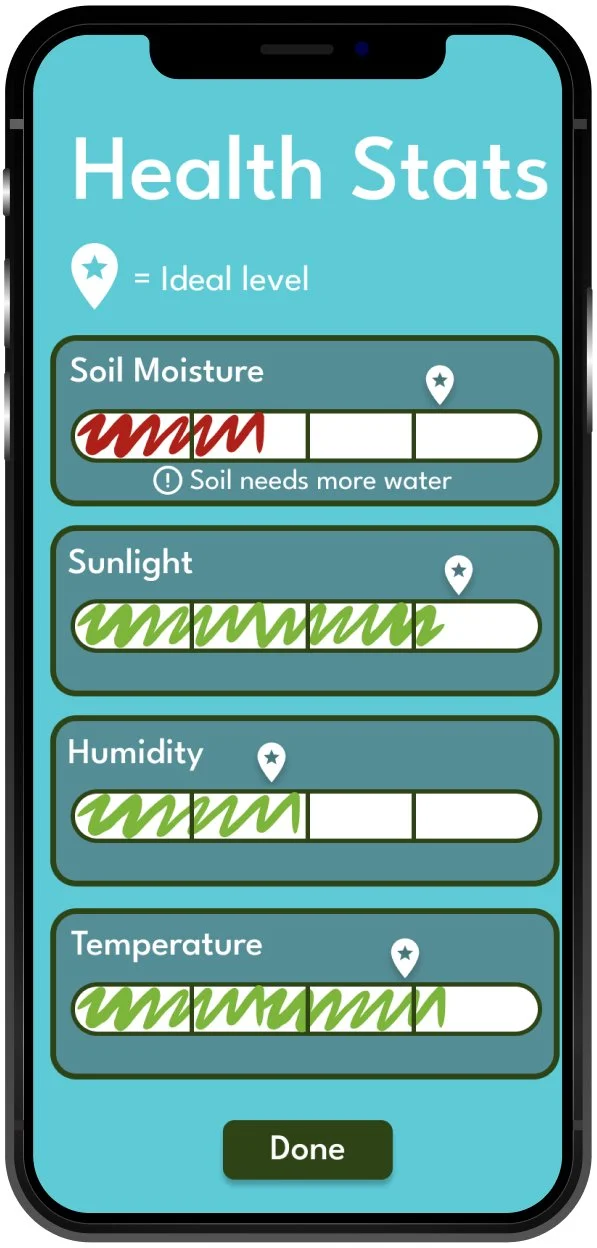
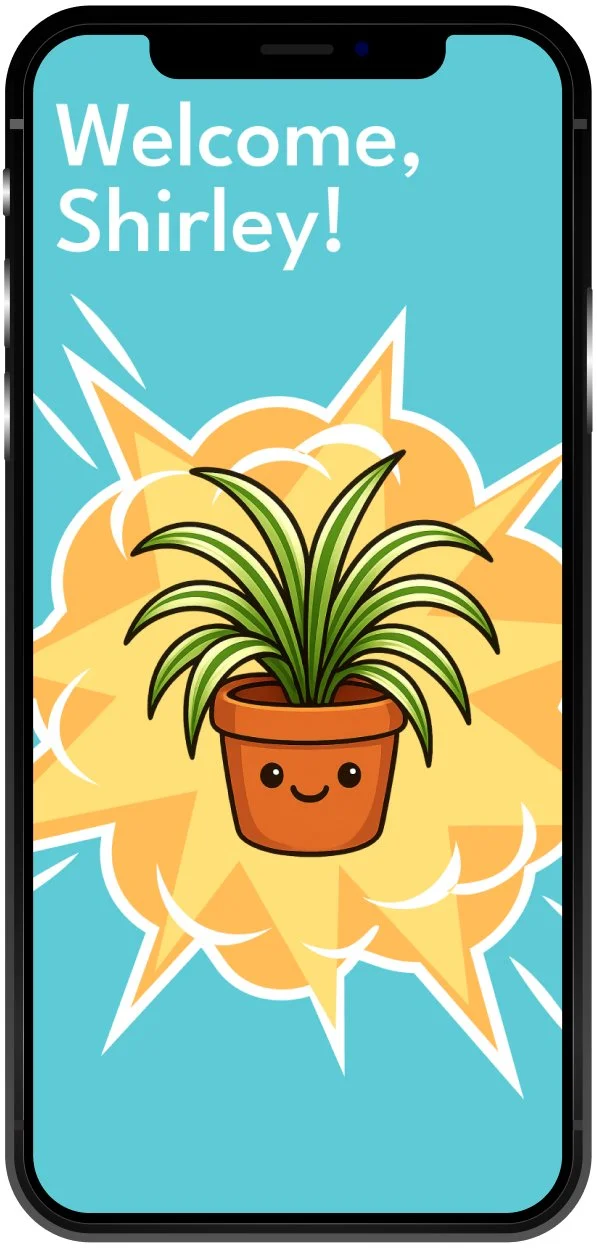
An app that gives each plant an expressive character tied to its real health data, allowing the plant to communicate its needs directly to the user.
Plant Personification App
3 defined concepts
A physical pot with built-in sensors that monitors plant health and sends alerts to the user's phone.
Smart Plant Pot
Bloom Calendar
A visual care calendar that helps users build and maintain a consistent plant care routine with reminders and progress tracking.
Why Plant Buds?
Plant Buds was the strongest choice because it directly addressed the core research insight that users need emotional connection and motivation to stay consistent, and because it offered something meaningfully different from tools already on the market. The Smart Plant Pot was ruled out because it required physical hardware outside the scope of this project. The other two concepts were carried forward as reference points but Plant Buds was the clear direction.
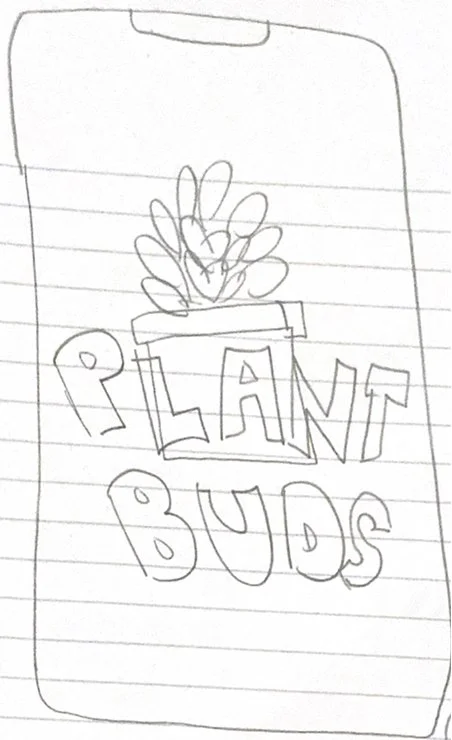
Rough Sketches
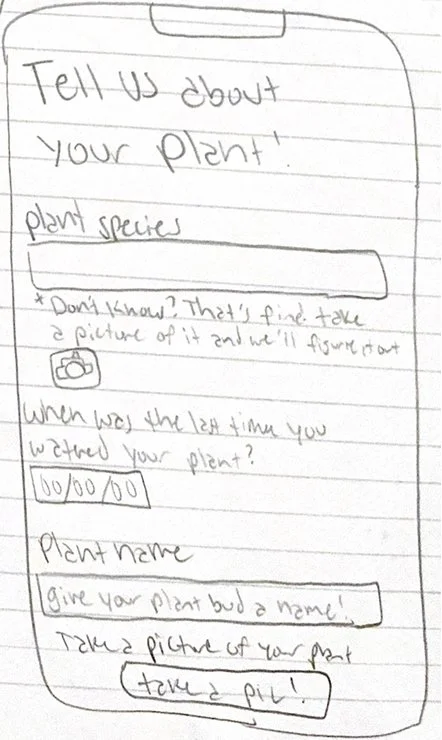
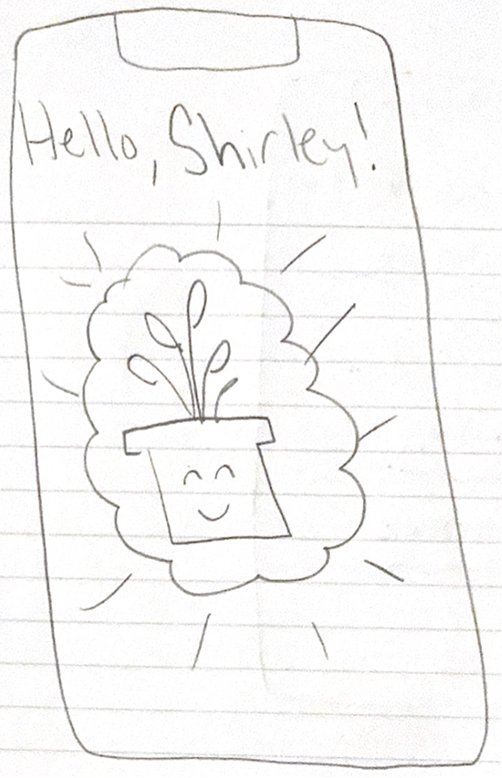
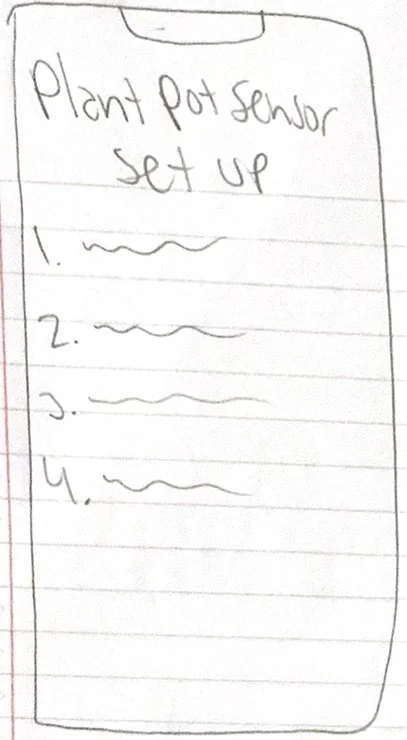
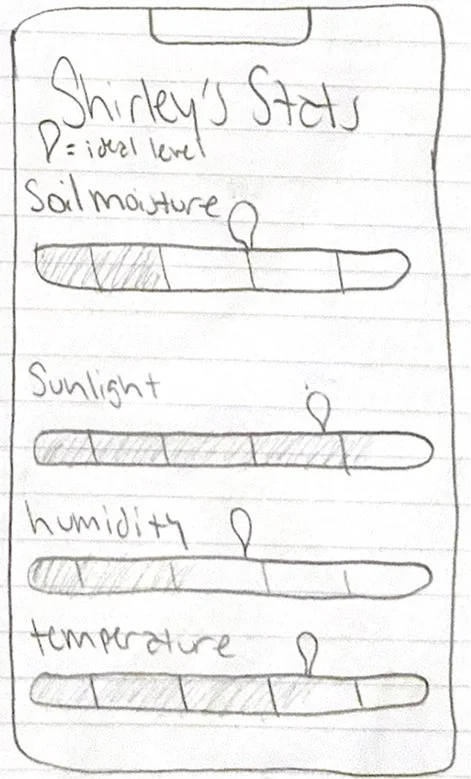
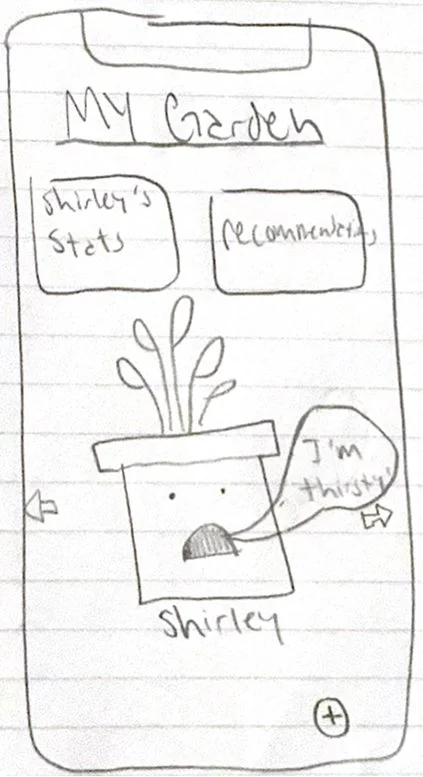
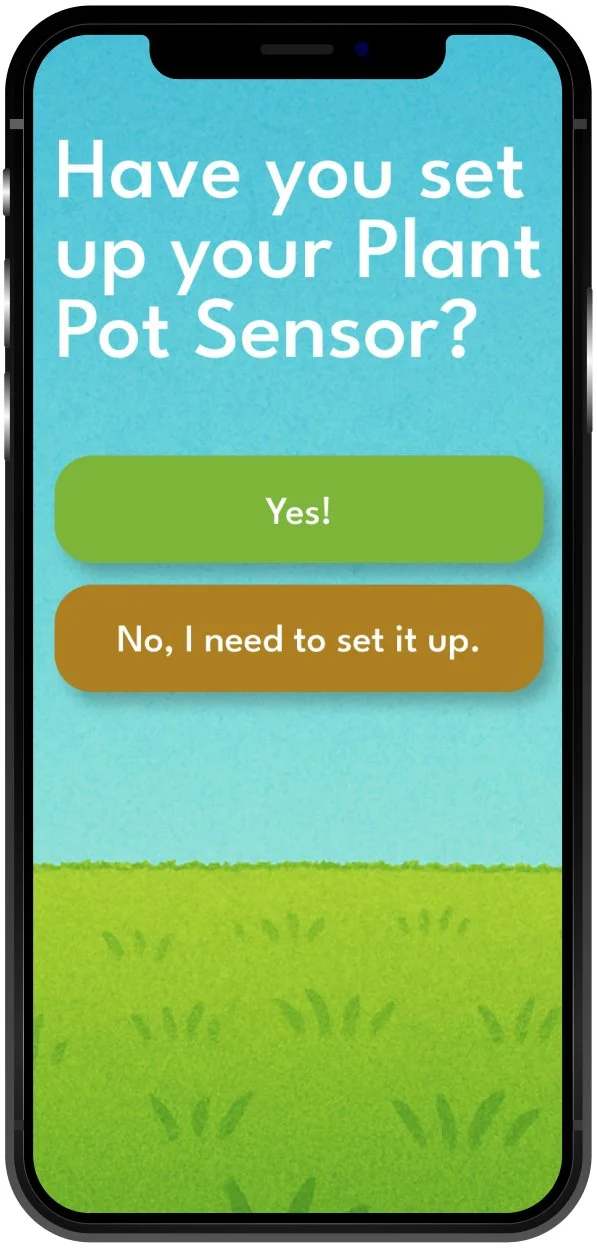
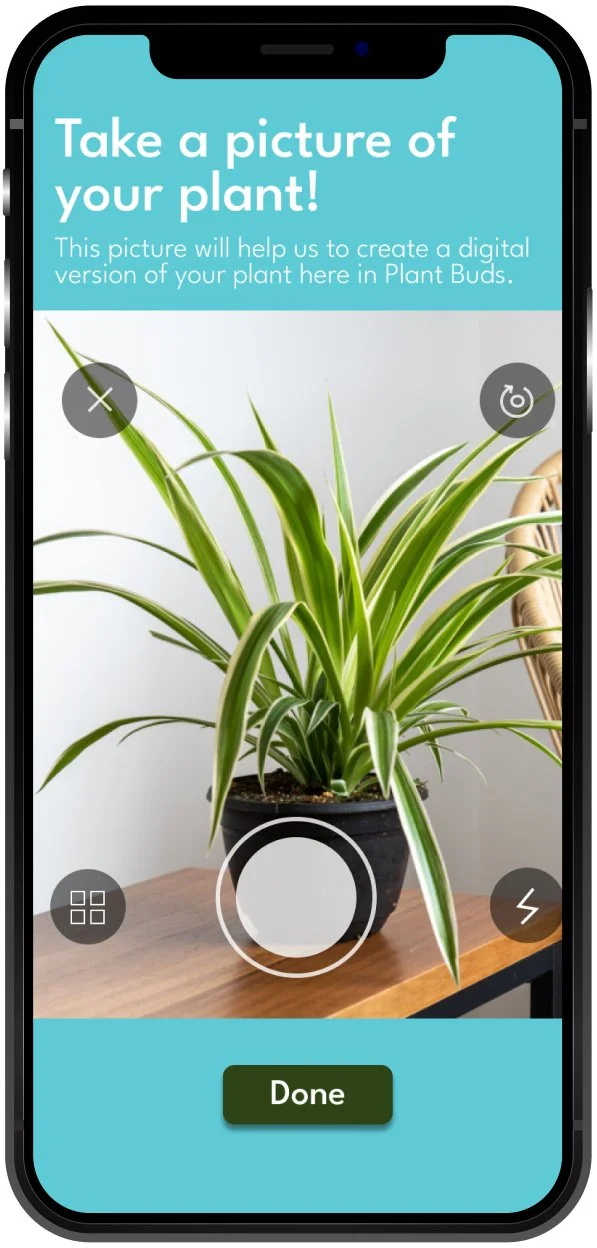
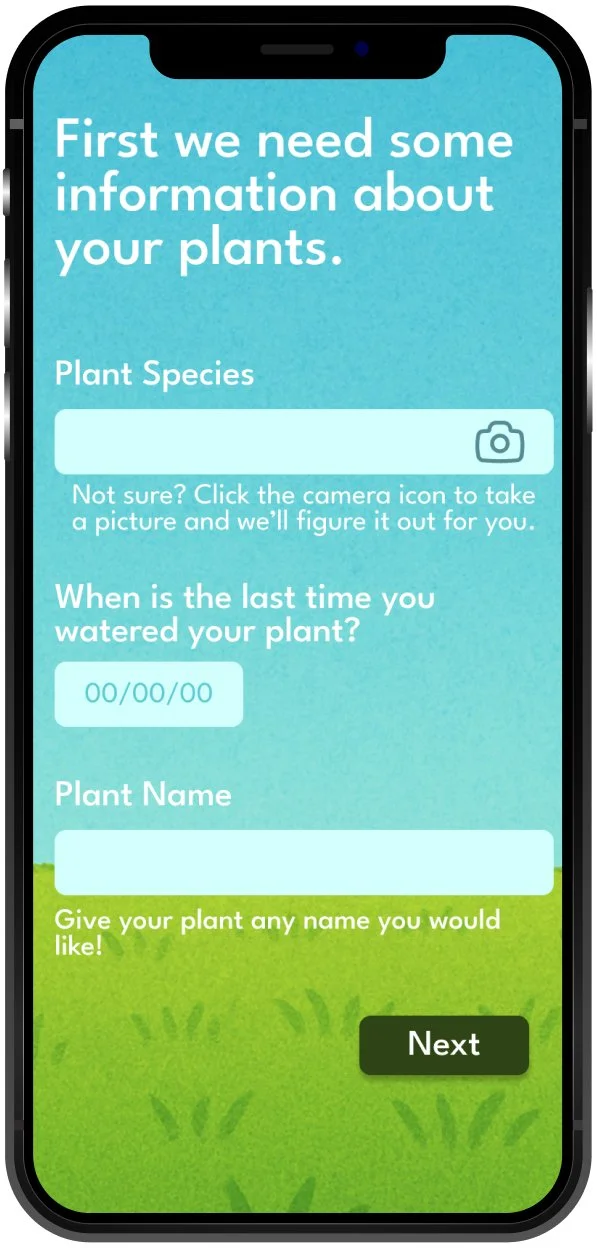
Figma Prototype
Reflection
This project showed me how much research and synthesis shape the quality of a final concept. Without the Understand and Synthesize phases, Plant Buds would have been a much more generic idea.
The hardest part was narrowing down from 100 ideas to one direction. It pushed me to evaluate ideas against user insight rather than personal preference, which is a skill I will carry into every future project.
If I did this again I would invest more time in usability testing and building out a more complete set of screens to better validate the concept with real users.